
01 / Listing Hero
AI Jewelry Model Photos in Under a Minute
Turn your jewelry product images into listing-ready model photos and matching videos for your store, ads, and social media — no photoshoot needed.
- Create a 6-image jewelry listing pack from one product photo
- Generate model try-on, detail, scale, product angle, and lifestyle images
- Only pay for successful generations
From Product to Model Shot
Use a jewelry photo and a model source to generate your preview.
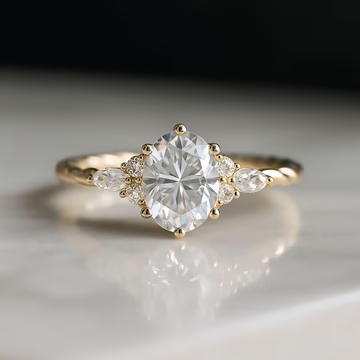
Jewelry
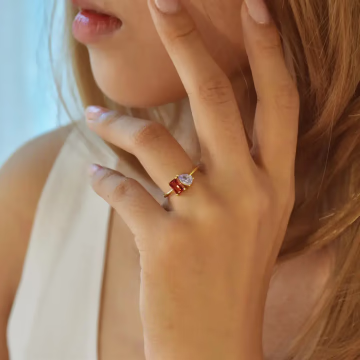
Model
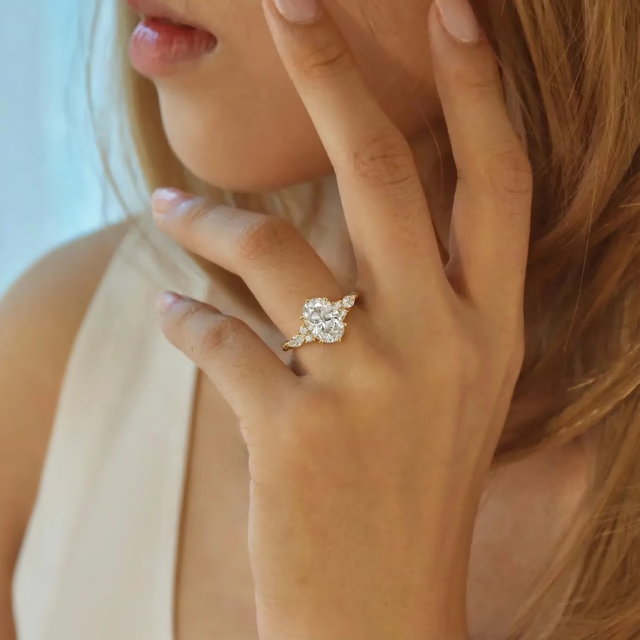
Output Preview
New listing workflow
Create a complete 6-image jewelry listing pack
Start with one product photo and build a coordinated gallery with worn context, detail proof, product inspection, and launch-ready support creative.
02 / Close Try-On
Close model try-on
03 / Scale Try-On
Scale and fit reference
04 / Detail Close-Up
Material and setting detail
05 / Second Product Angle
Product inspection angle
06 / Lifestyle Gift Scene
Campaign support creative
Why Sellers Choose AI Jewelry Model
Create more jewelry content faster with an AI jewelry model workflow that helps reduce traditional photoshoot costs.
Complete Listing Packs, Faster
Create a coordinated 6-image jewelry gallery from one product photo instead of building each listing image separately.
No Photoshoot Needed
Turn product images into model try-on, detail, scale, product-angle, and lifestyle visuals without booking a shoot.
More Content from One Product Image
Use one source image to generate listing photos, campaign variations, and short videos for launches and ads.
How the AI Jewelry Model Generator Works
Turn one product photo into on-model photos and videos in three steps.
Upload a jewelry product photo
Use a clear photo showing the jewelry's shape, material, and details.
Choose model and output settings
Pick the jewelry type, model, and output style.
Generate model photos and videos
Generate your images and videos, then refine them before adding to your store.
Compare the Product Image and Generated Result
See how a standard product photo becomes a more useful, more wearable jewelry visual with AI Jewelry Model.
RingsNecklacesEarringsBracelets
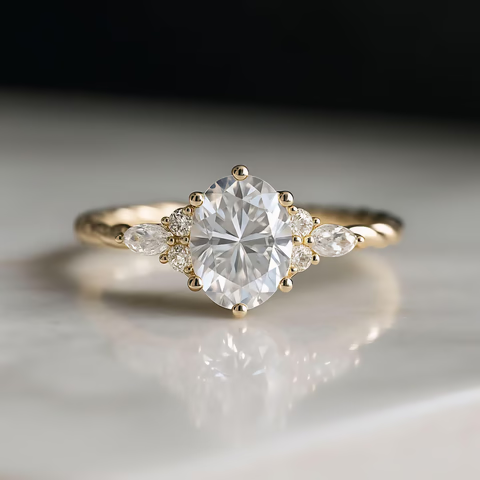
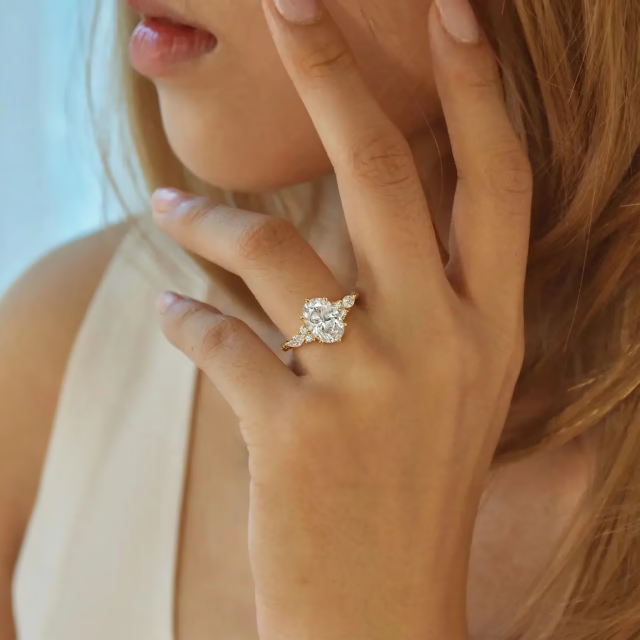
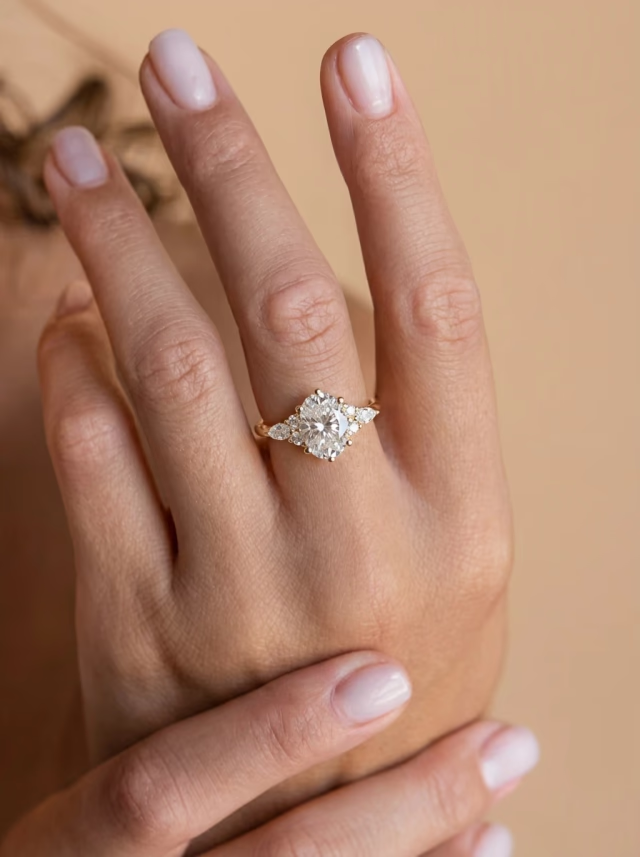
From a product-only image to a realistic jewelry model photo you can use across ecommerce and marketing.
One Try-On Image, Multiple Listing Variations
Turn one generated jewelry image into more content for different layouts, styles, and selling needs.
RingNecklaceEarringsBracelet
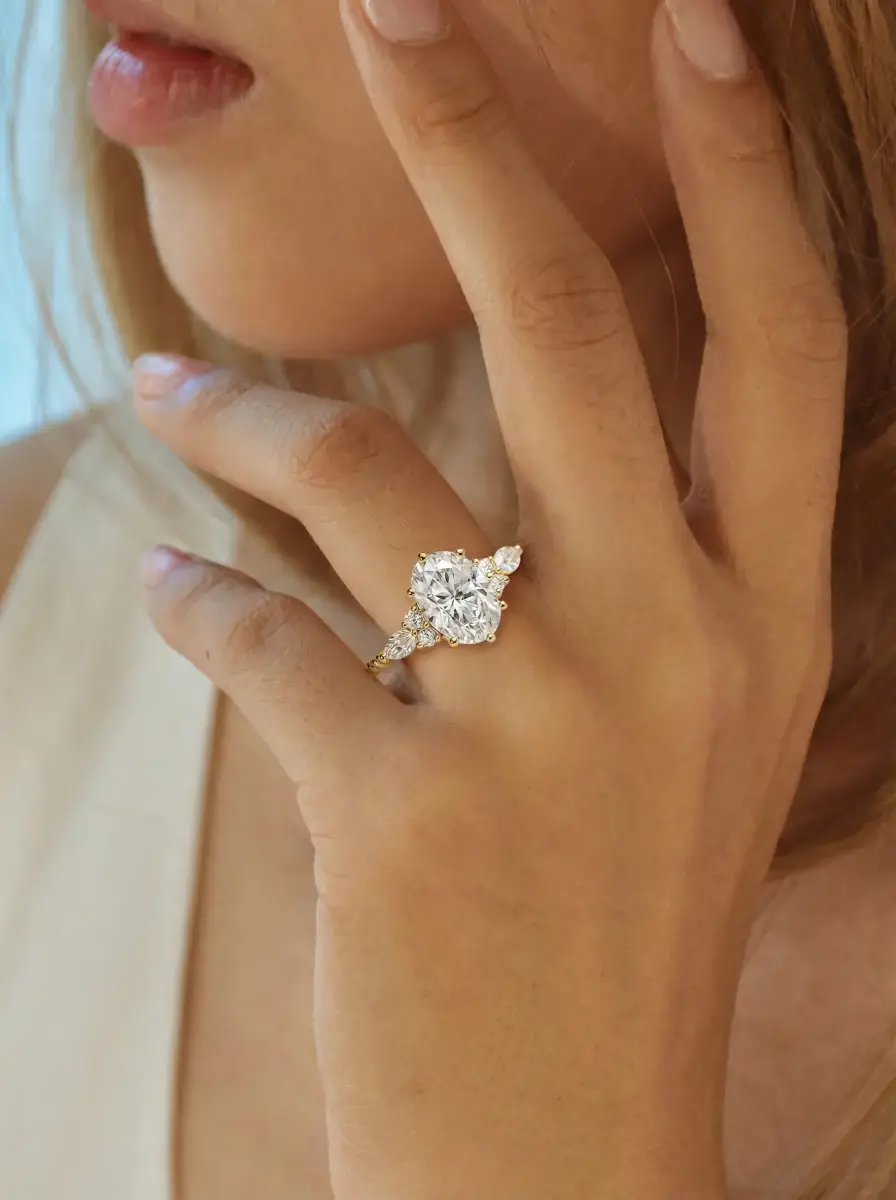
Ring
1 Try-On Image
3 Variations
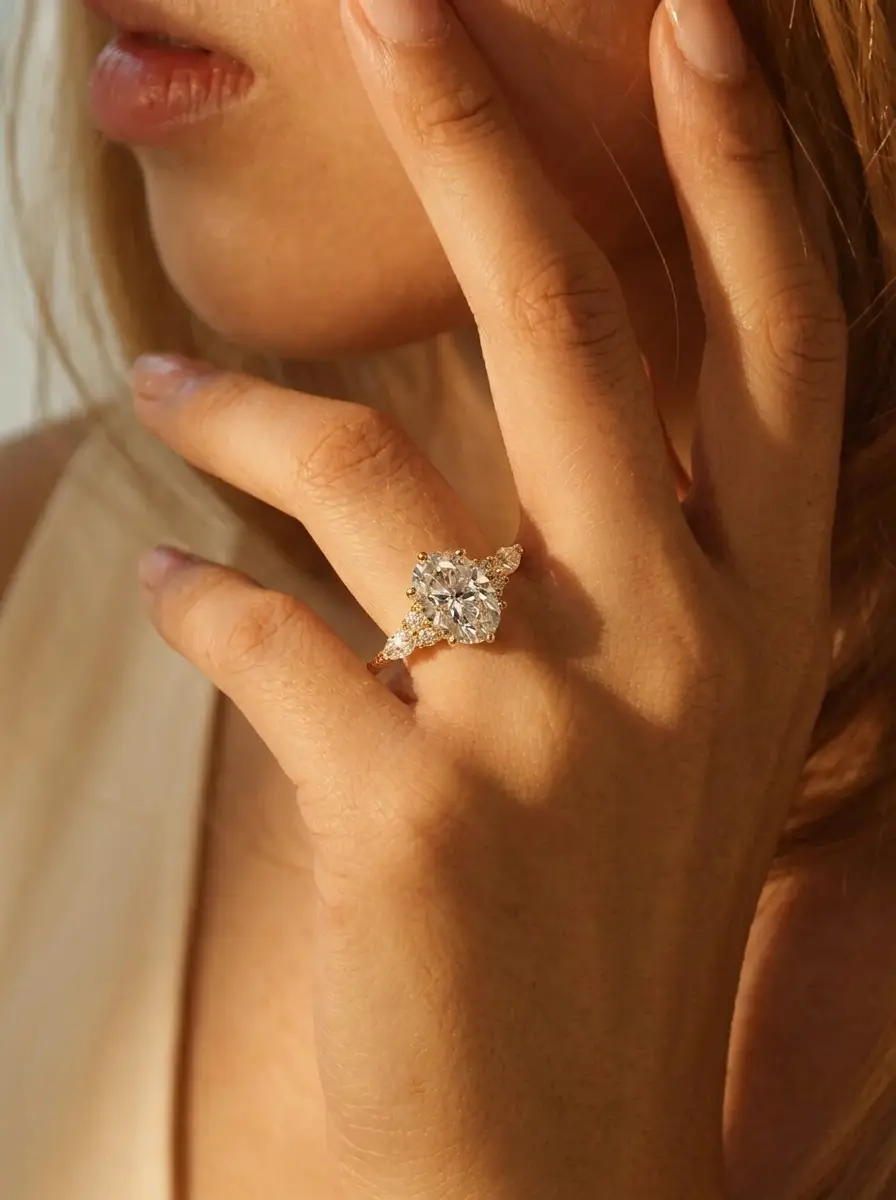
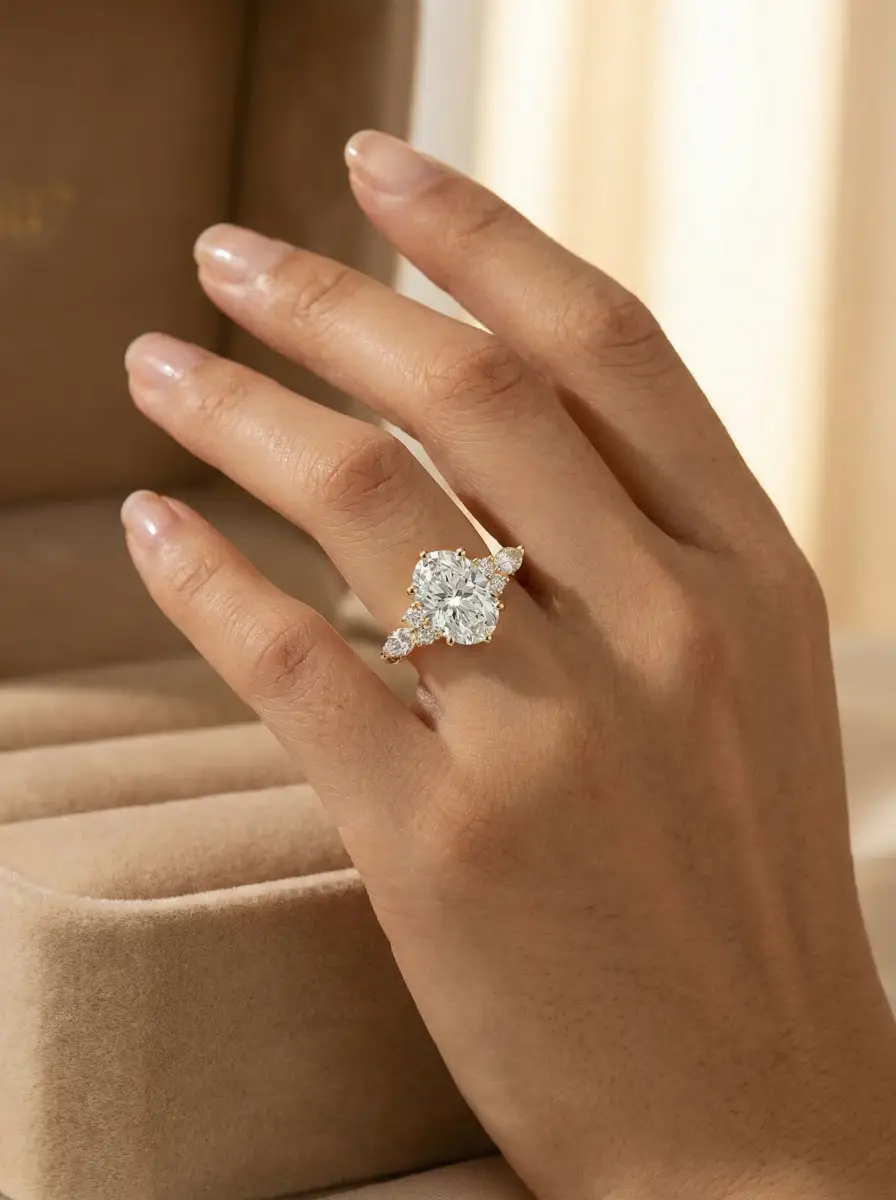
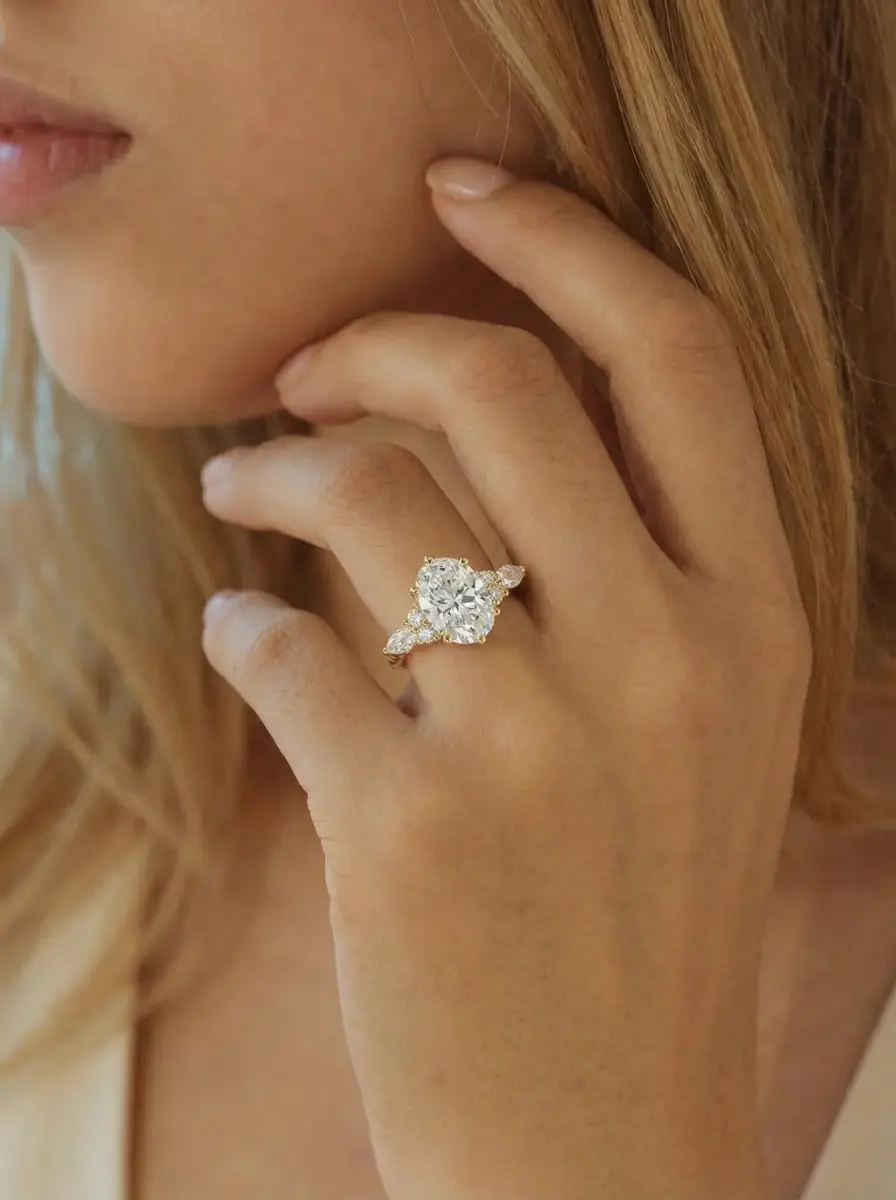
Turn one generated ring image into more content for different layouts, styles, and selling needs.
Turn Jewelry Photos into Short Videos
Create motion-ready jewelry videos from generated images for social content, paid ads, and product storytelling.
Ring
Ring Video
Turn ring visuals into short videos that feel more dynamic for ads and social.
Necklace
Necklace Video
Show necklace movement, styling, and presentation in a more engaging format.
Earrings
Earring Video
Create short earring videos that help the product feel more wearable and noticeable.
Bracelet
Bracelet Video
Add motion to bracelet visuals for launches, product pages, and campaigns.
Where Sellers Use AI Jewelry Model
Use AI Jewelry Model photos and videos across listings, product pages, ads, and new product launches.
Product Pages
Fill product galleries with a hero image, worn context, detail proof, product inspection, and support creative.
Marketplace Listings
Build Etsy, Shopify, and marketplace-ready photo sets that answer buyer questions beyond one flat product shot.
Clean Product-Only Images
Generate product-only jewelry photos with controlled image types and backgrounds when model photos are not the right frame.
Paid Ads
Use jewelry photos and videos for creative testing, promotions, and performance campaigns.
Catalog Refreshes
Update older jewelry listings with a repeatable photo-pack workflow across rings, necklaces, earrings, and bracelets.
AI Jewelry Model for Every Jewelry Type
Rings
Create realistic ring-on-hand images that help shoppers understand scale, styling, and detail in a worn setting. From solitaire rings to gemstone styles and stackable combinations, ring visuals look more useful and more conversion-ready when shown on hand.
Explore Ring ToolsRing
Necklaces
Generate necklace-on-neck visuals with natural placement, drape, and wearable context that make product images easier to understand at a glance. Support both single-necklace presentations and layered necklace looks for listings, campaigns, and product launches.
Explore Necklace Tools
Necklace
Earrings
Show earrings on ear with clearer placement, size impression, and styling than a product-only image can provide. Create visuals for studs, hoops, drops, ear stacks, and other earring combinations that help shoppers see how the piece looks when worn.
Explore Earring Tools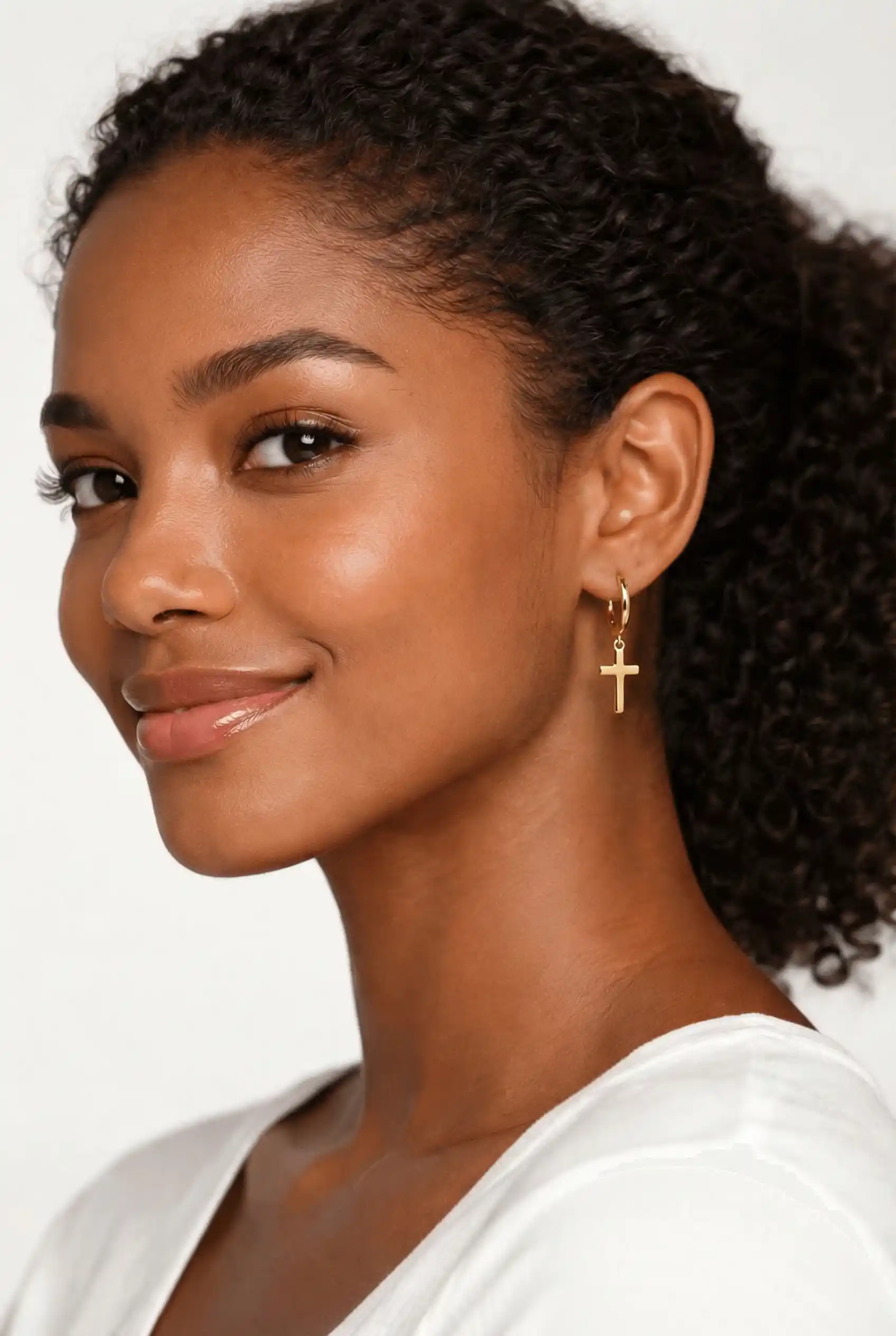
Earrings
Bracelets
Create bracelet-on-wrist images with more natural fit, curvature, and presentation for product pages and campaigns. From single bracelet visuals to stacked bracelet looks, wearable wrist imagery helps shoppers understand how the product appears in use.
Explore Bracelet Tools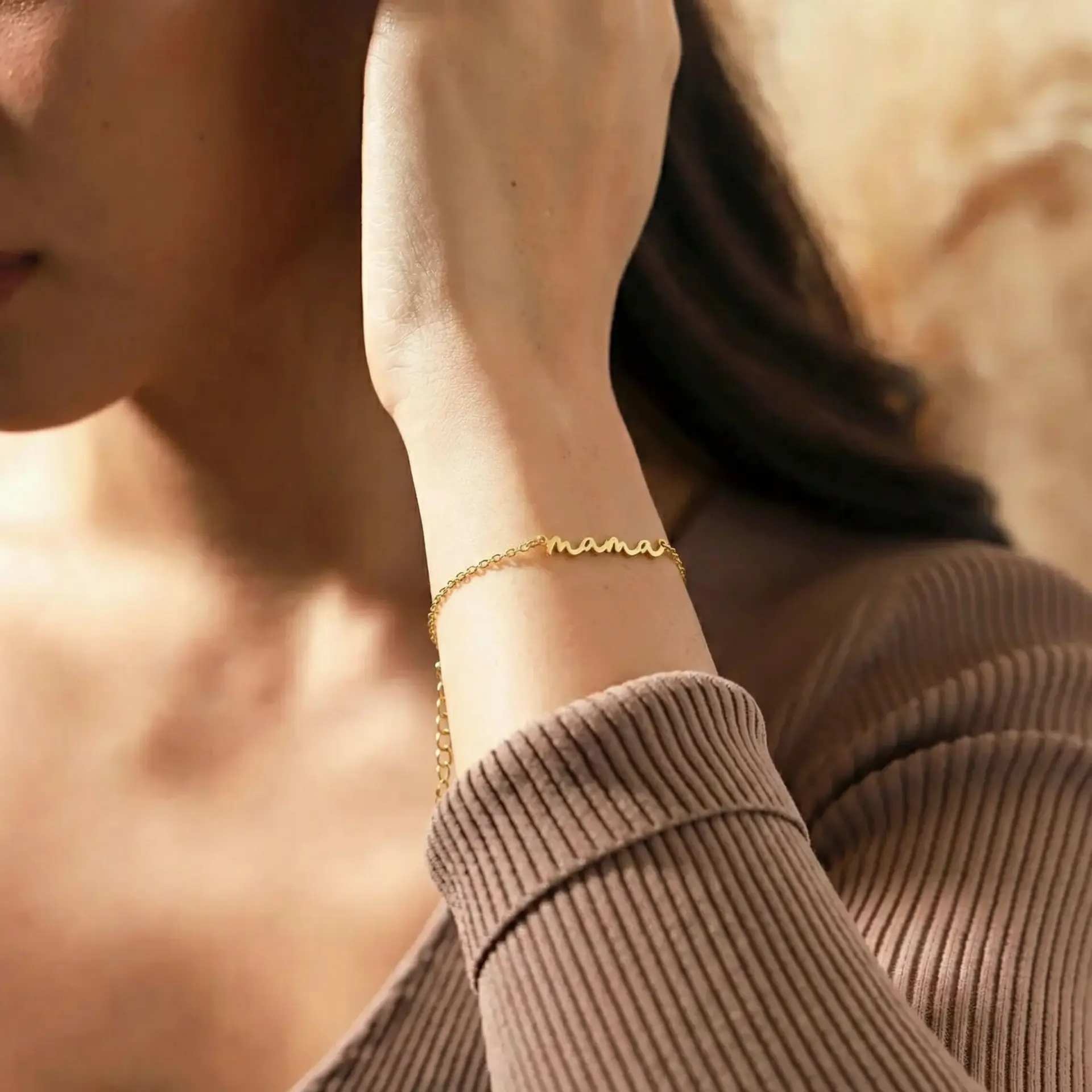
Bracelet
Frequently Asked Questions
What is AI Jewelry Model?
AI Jewelry Model turns your product images into realistic jewelry model photos and videos for ecommerce, ads, and product launches.
What is included in the AI jewelry photo pack?
The pack creates a listing hero, close try-on, scale try-on, close-up detail image, second product angle, and lifestyle or gift-context image from one product photo.
Can I use AI Jewelry Model as an AI jewellery model generator?
Yes. Upload a jewellery product photo to create realistic on-model photos, listing images, and short product videos without booking a model or studio shoot.
What kind of jewelry image works best?
A clear product image with good lighting, visible detail, and a simple background usually produces the best result.
Can I create listing-ready jewelry photos?
Yes. The tool is built to create jewelry visuals for listings, product pages, paid ads, and launch content.
Do I need a photoshoot or model?
No. You can start from your product image and generate wearable jewelry visuals without booking a separate shoot.
Can I also create videos?
Yes. You can turn generated jewelry images into short videos for social content, ads, and creative campaigns.
Which jewelry types are supported?
The platform supports rings, necklaces, earrings, and bracelets, with both single-product and stacked or layered use cases.
Create Jewelry Listing Photos & Videos Without a Photoshoot
Start with your product image and generate a listing-ready photo pack, model visuals, and short videos.
Create My Photo Pack